Control room with multiple monitors and a desk setup

Learn Video Editing Through Frame Order, Rhythm, and Scene Structure

Shop all
  • GitHub logo with a black circle and white silhouette of a cat.
  • Black circle with a white 'M' in the center

Editing That Thinks in Frames

Our mission is to help learners develop an editing eye, work more carefully with their material, and gradually shape their own approach to building scenes. We focus on useful materials, a thoughtful learning pace, and practice that supports understanding of frames, mood, and video story structure.

  • Lesley Lyons - Visual Flow Editor

    Lesley Lyons

    Visual Flow Editor

  • Dave Turner - Scene Rhythm Designer

    Dave Turner

    Scene Rhythm Designer

  • Marty Pollard - Frame Sequence Editor

    Marty Pollard

    Frame Sequence Editor

We Built Clipvoromix Around a Love for the Frame

Clipvoromix began with a simple idea: to create a learning space for people who want to understand editing not as a set of random actions, but as thoughtful work with frames, rhythm, pauses, and visual storytelling. We noticed that many learners needed calm explanations without extra noise, so we shaped courses that help study editing through examples, tasks, and steady thinking.

  • Black metal gear wheel on a white background

    Frame Logic

    You study how frame
    order affects scene
    perception and helps
    build a more
    understandable video
    story.

  • Icon of a digital display with three dots on a white background

    Rhythm Sense

    The course explains
    how frame duration,
    pauses, and pacing
    create the feeling
    of movement in
    editing

  • Black icon of a wavy line with vertical bars on a white background

    Scene Thinking

    The materials
    help you view
    each scene
    as part of a
    larger visual
    story.

  • Black icon of a central play button with four branching buttons on a white background

    Offline Study

    Courses can be
    downloaded and
    studied at your own
    pace without a
    constant internet
    connection.

30-Day Money-Back Guarantee

Try the course risk-free. If you're not satisfied for any reason, get a full refund. No questions asked. Refund requests may be submitted within 30 days in accordance with our Refund Policy.

Try the First Learning Segment at No Cost

The no-cost learning segment helps show how the materials, tasks, and explanations are presented. It is a convenient way to try the format before choosing a broader course. You can download the materials and study at your own pace, including offline.

  • Maria Jarvis

    Maria Jarvis

    Maria joined with the goal of better understanding how
    scene mood is shaped through frames, duration, and
    visual focus. She found the materials about atmosphere,
    smoother transitions, and scene review criteria especially
    useful.

    “I liked that the materials made me slow down and
    think about what each frame adds to the story.”

  • Carla Perkins

    Carla Perkins

    Carla had experience working with visual materials, but
    wanted to better understand editing structure for learning
    and presentation videos. She especially appreciated the
    short explanations, exercises, and the option to return to
    downloaded materials offline.

    “The offline materials made it simple to review a
    lesson again while working on my own scene.”

A Look Inside the Course Library

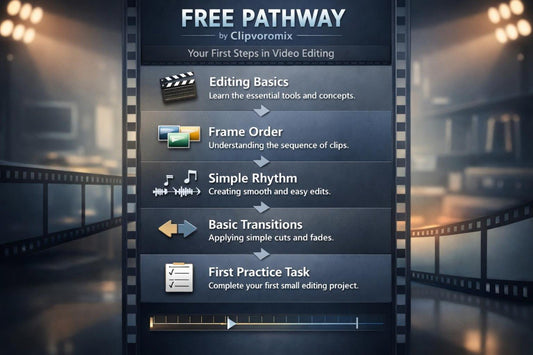
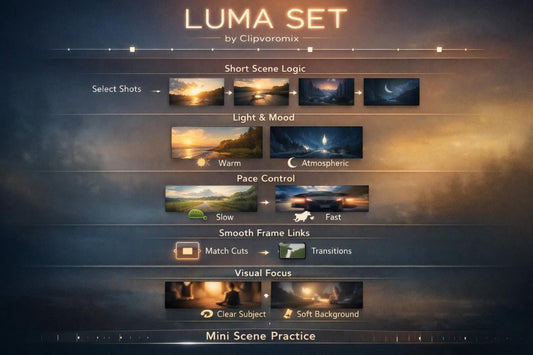
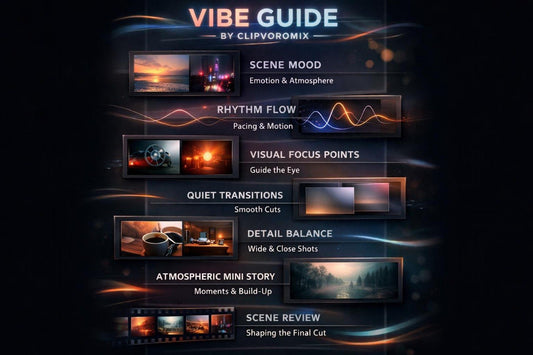
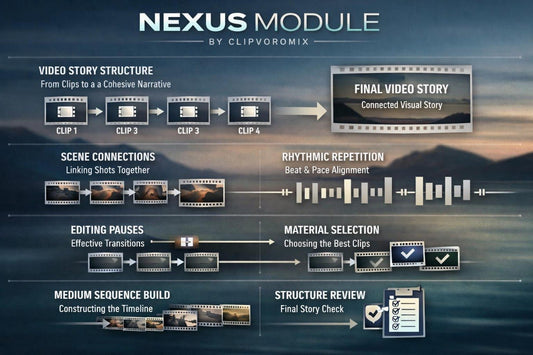
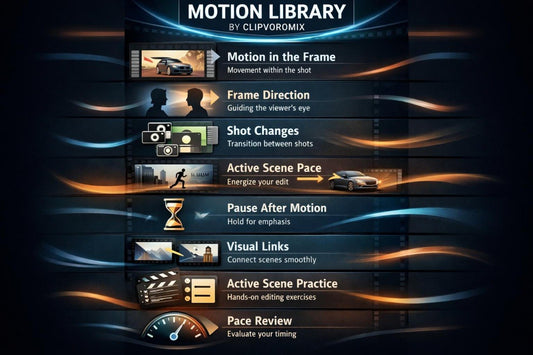
This section gives visitors a short look at the Clipvoromix learning directions before choosing a plan. The courses are built around frames, rhythm, scenes, movement, and thoughtful review of editing choices. Each learning route has its own depth, number of modules, and practice materials. By clicking the Preview Courses button, visitors can review the course options and choose the one that matches their current level and learning goals.

  • Phone case with 'Vibe Guide' text and reel-to-reel tape design on a white background
  • Laptop with 'Loom Pack' on the screen on a white background
  • Phone with 'Free Pathway' app interface on a white background